 ClooneySubtitle Tools
AI Video to SRT
Upload a video and get timestamped subtitles plus the full transcript. The price is on the button.
Convert Video to SRT in 3 Easy Steps
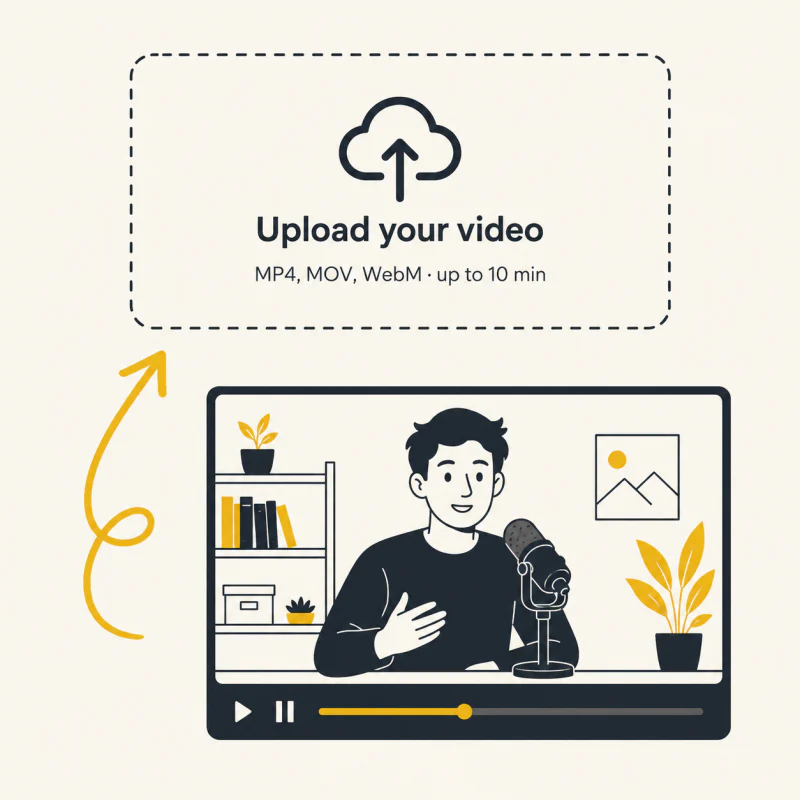
Step 1: Upload Video
MP4, MOV, WebM or an audio file, up to 10 minutes. We read the length and show the price before you start.
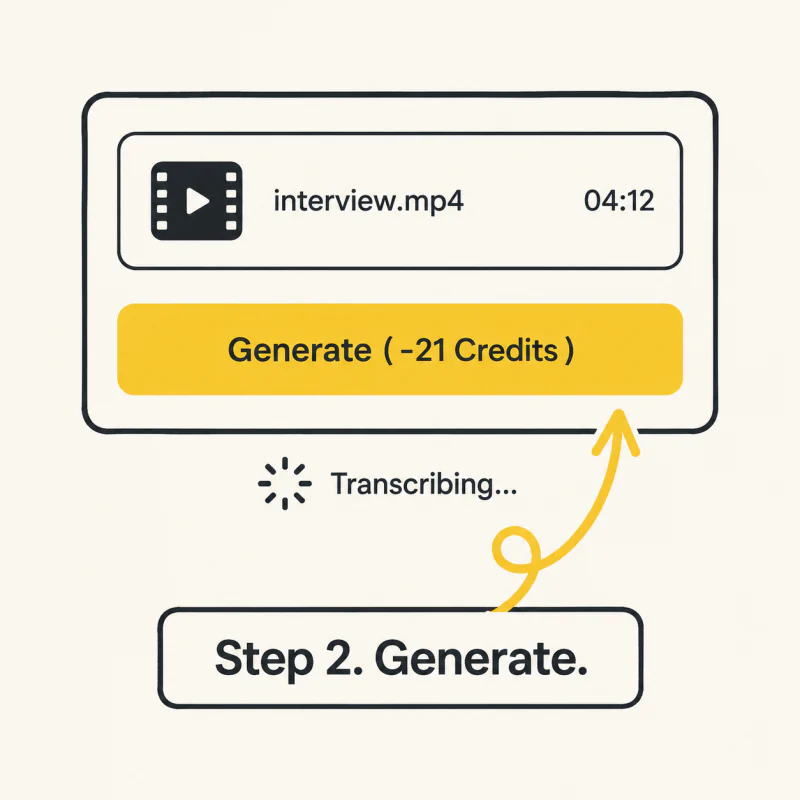
Step 2: Generate
Press Generate. Speech is transcribed with timestamps on every line.
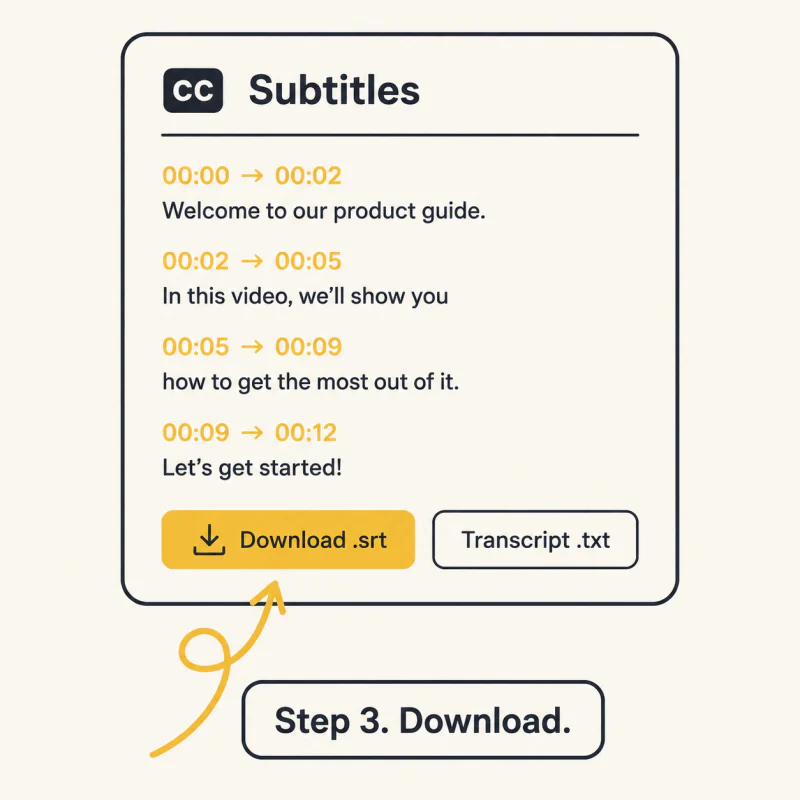
Step 3: Download
Download the SRT and the plain-text transcript. Translate the SRT into other languages with the Subtitle Translator, free.
Why Choose Our Video to SRT Converter
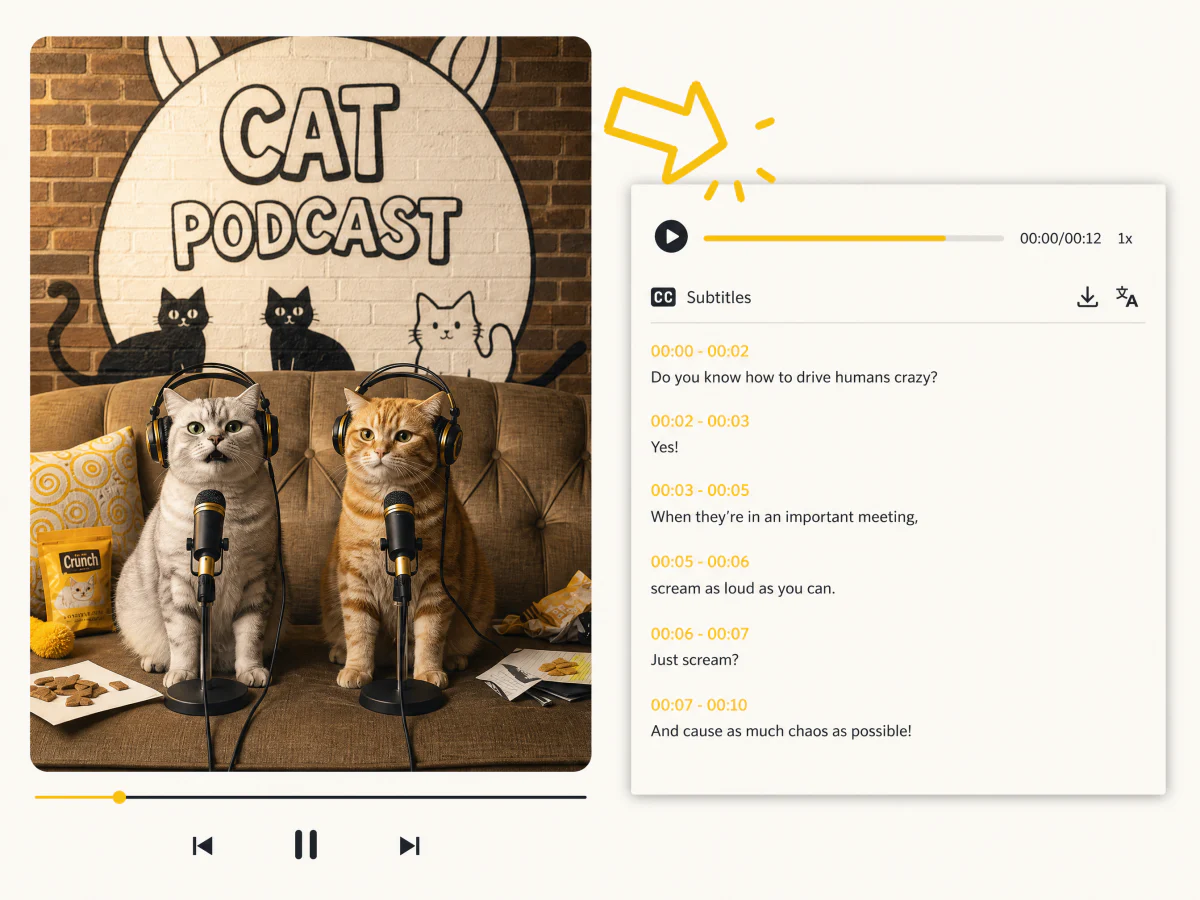
Fast and Accurate Subtitle Extraction
Transcribes the speech in your video and returns an SRT in minutes. Every line carries precise timestamps, ready for editing or import. Fully automated from upload to export, no technical skills needed.
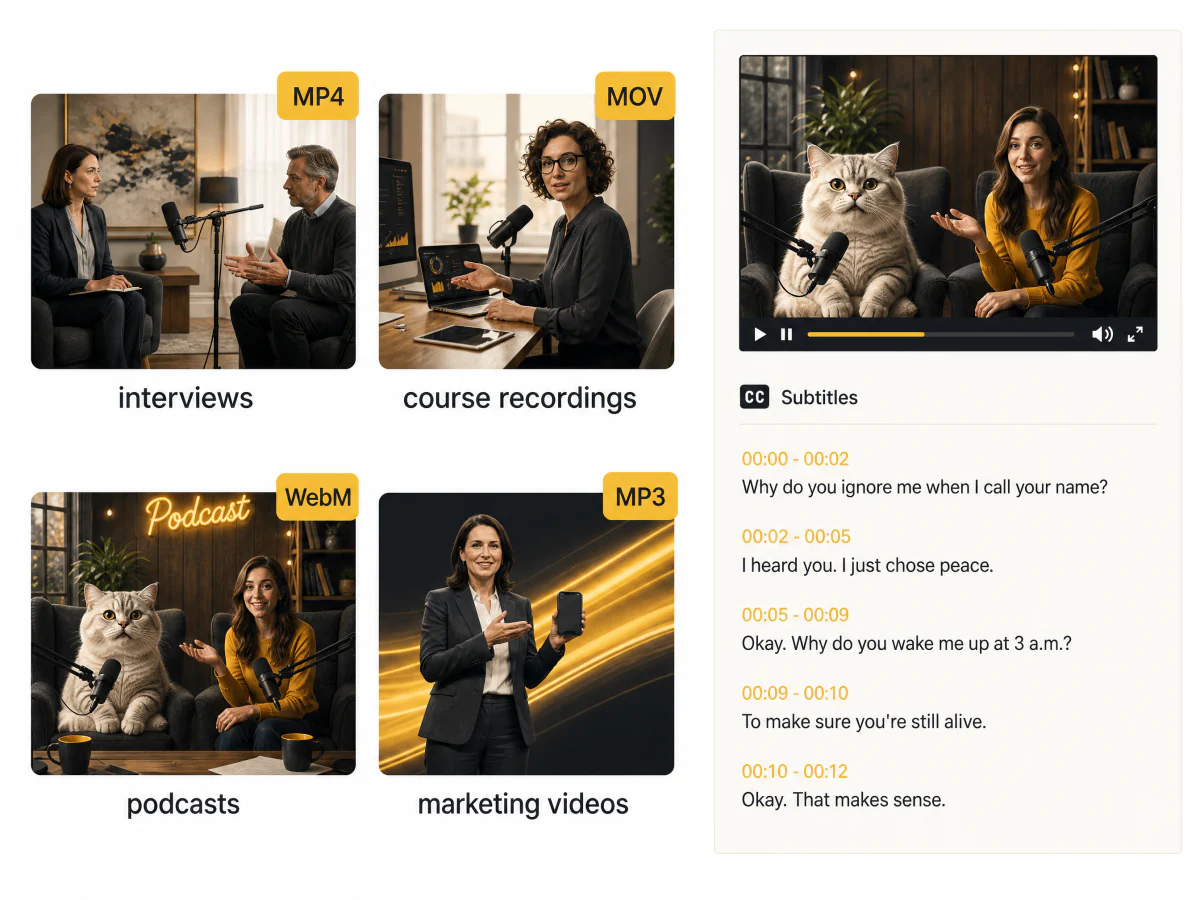
Extract Subtitles from Any Video
Course recordings, marketing videos, interviews, podcasts, training material. Upload the video or just the audio and get a timestamped SRT back.
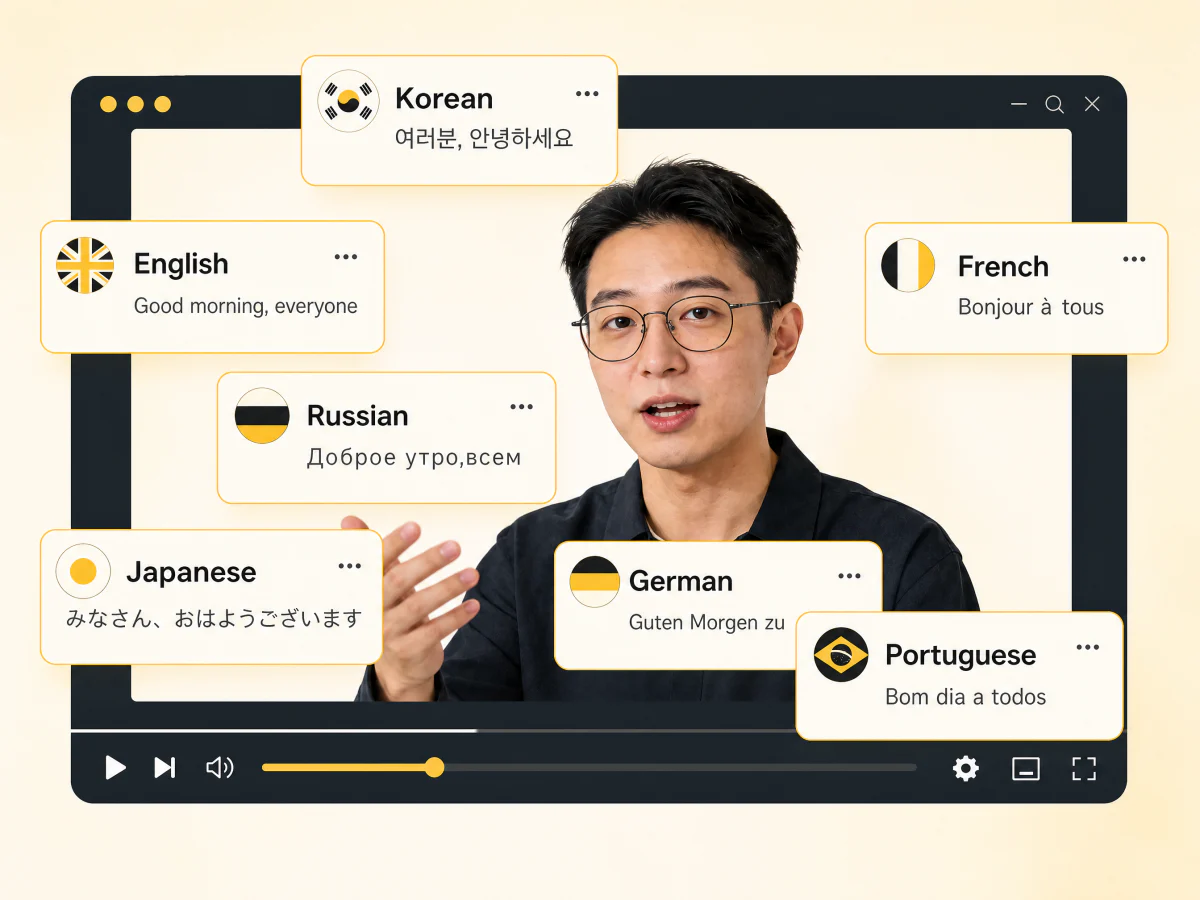
Extract, Then Translate, in One Place
Take the SRT straight into the Subtitle Translator for up to 8 languages at once, free on every plan. Timing is kept, so the translated files drop into the same edit.
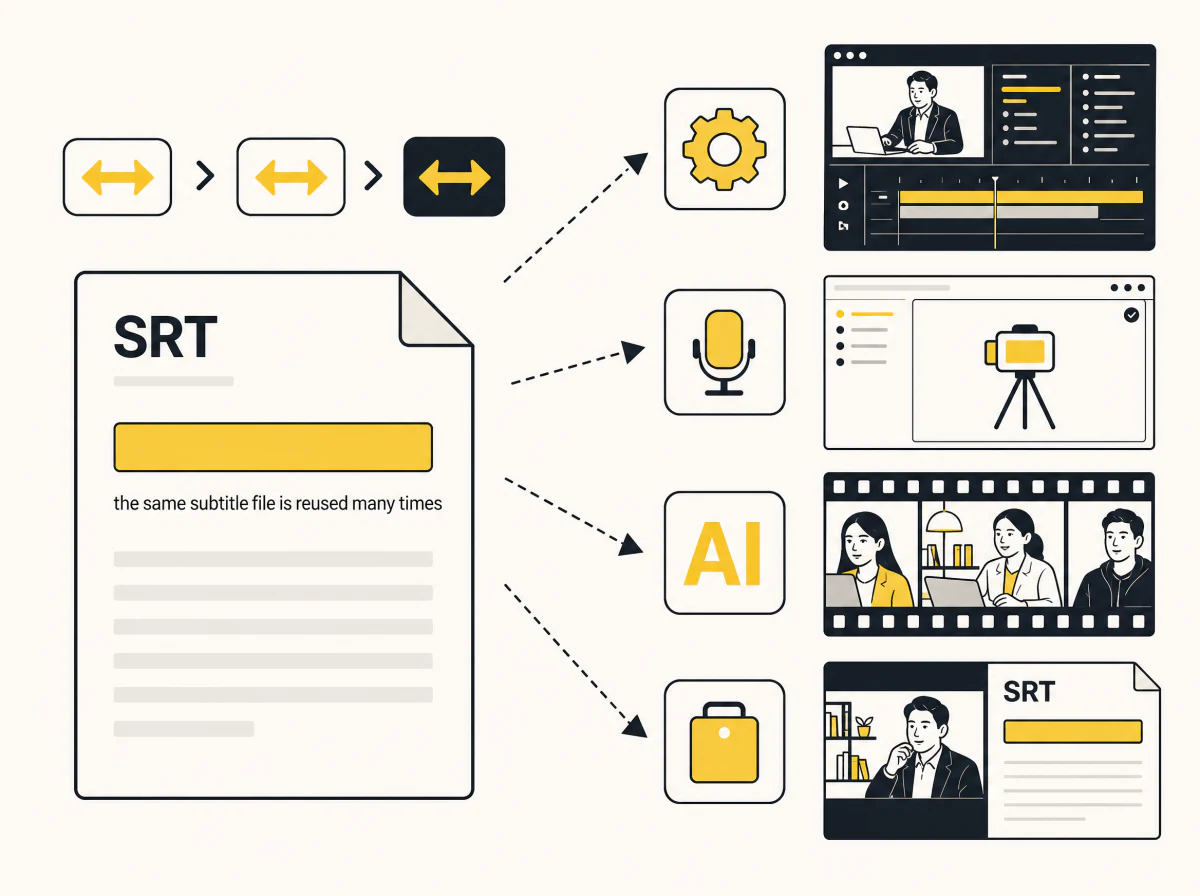
Priced Up Front: 5 Credits a Minute
The price is on the button before you press it, worked out from your file's real length. Subtitles are reusable assets: voice them with Subtitle to Speech, or dub the video with the Video Translator.
Who Benefits from Video to SRT
Content Creators
Subtitles for tutorials, vlogs and clips. Translate them to reach new audiences.
Educators
Accurate SRTs for lectures and webinars, in the languages your students speak.
Marketing
Turn promo videos into reusable subtitles and localise them for every campaign.
Video Production
Extract subtitles from films, ads and training videos and reuse them for dubbing.
Convert Any Video to SRT in Minutes
Upload a video, press Generate, download the SRT. The price is on the button.
What Users Say About Our Video to SRT Converter
“I pull subtitles from every video and drop the SRT into my edit. Accurate and easy to reuse.”
“Lecture recordings become SRTs so students can follow along. Far easier than manual transcription.”
“We extract subtitles and translate them for international campaigns. Localisation got fast.”
“The SRTs import cleanly into Premiere. I extract first, then nudge timing if a cut needs it.”
“Training videos become text and subtitles for every region we operate in.”
“Extract, translate, reuse for dubbing. One workflow instead of three tools.”
FAQs About Video to SRT
What is a Video to SRT converter?
It listens to the speech in a video and writes an SRT subtitle file: every line of speech with a start and end time.
How much does it cost?
5 credits per minute of audio, shown on the button before you press it.
Can I translate the subtitles?
Yes. Open the SRT in the Subtitle Translator for up to 8 languages at once. It is free on every plan.
What formats are supported?
MP4, MOV, WebM and common audio formats, up to 10 minutes per file.
How accurate are the subtitles?
Very, on clear speech. Heavy background noise or crosstalk lowers accuracy; the transcript is editable after download.
Can I use the SRT for editing and dubbing?
Yes. Import it into any editor, voice it with Subtitle to Speech, or dub the video with the Video Translator.
What if it fails?
Credits are returned automatically.