 ClooneyText to Speech
Text to Speech
Write a script in any supported language and hear it in your voice.
Transcript
Featured Voice Showcase
Hear different styles and find the one that suits your script.
Warm Female Voice
Soft and clear. Audiobooks, support lines, wellness content.
Why Choose Our AI Text to Speech
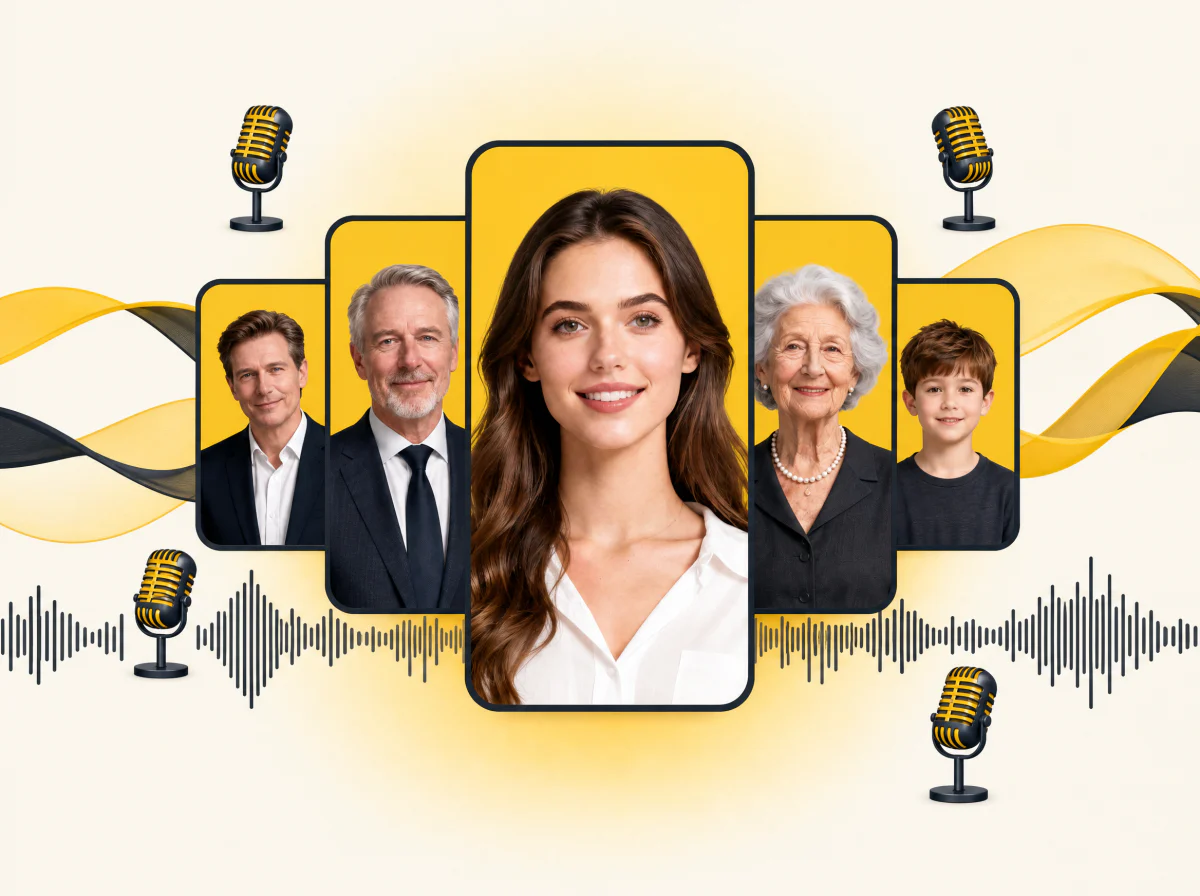
Natural Voices in 45+ Languages
Say goodbye to robotic speech. Pick a stock voice or your own cloned voice and read any script in 45+ languages with natural pacing and intonation. Every voice adapts to the text so the delivery sounds human, not flat.
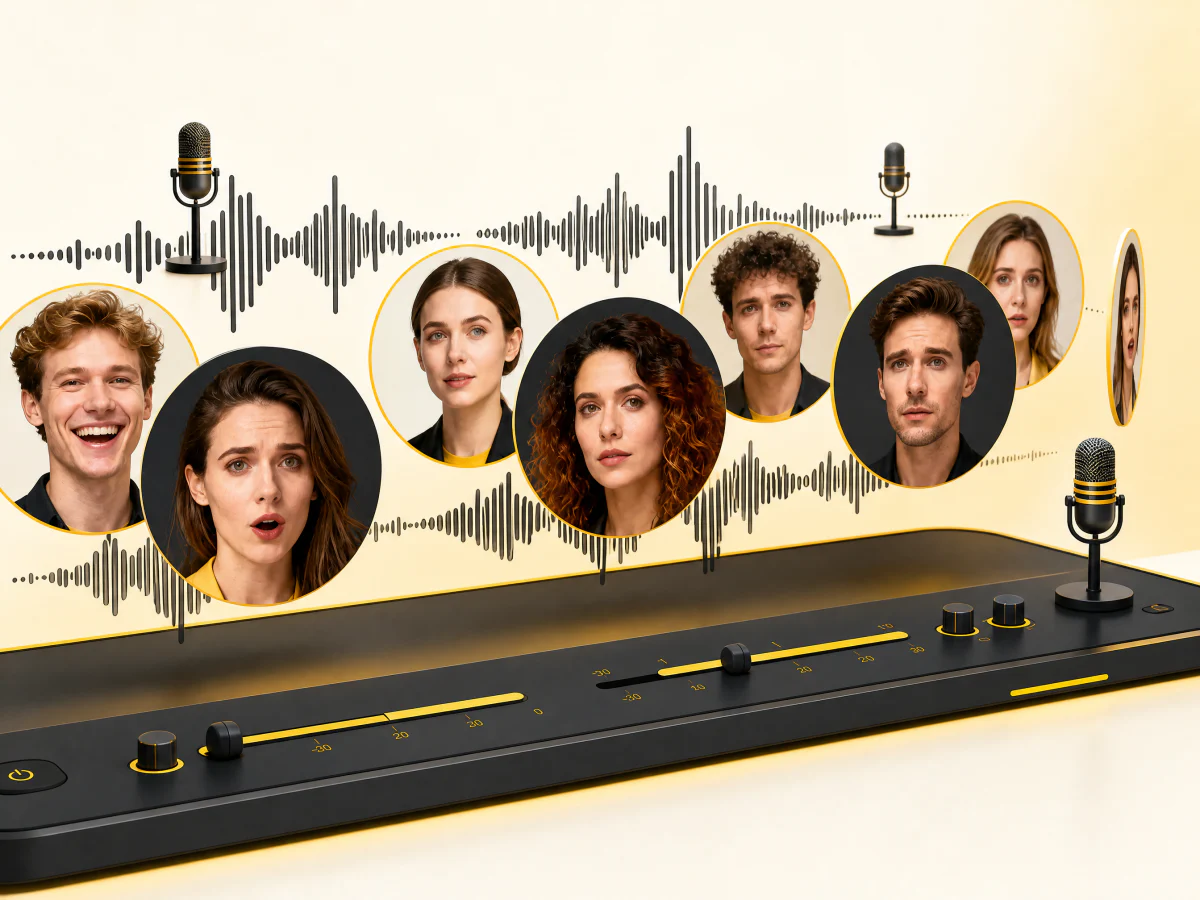
Emotion Control for Real Voiceovers
Match the voice to the mood of the script. Calm for narration, warm for intros, confident for demos. Pick the emotion, generate, and hear the difference in one take.
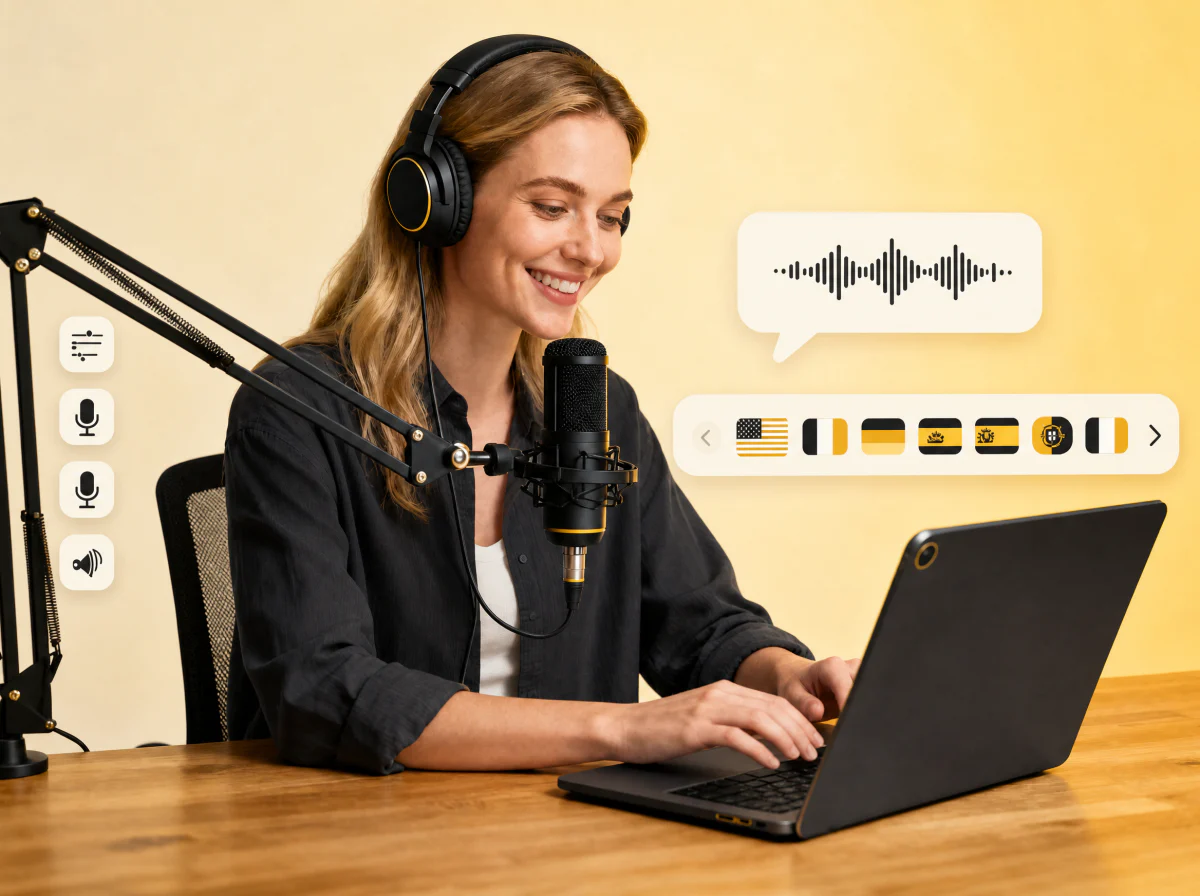
One Balance of Credits, Priced Up Front
Every generate button shows its price before you press it: 5 credits per 1,000 characters. Generations you keep, credits you can see. Failed jobs are refunded automatically.
How to Use AI Text to Speech
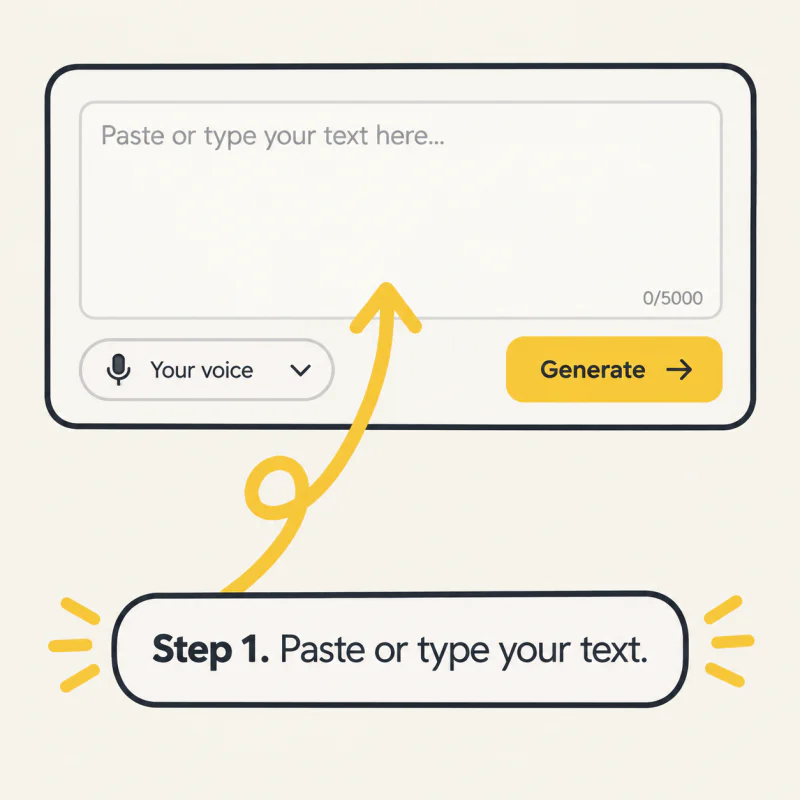
Step 1: Enter your text
Paste or type anything into the box. Any language works without changing a setting.
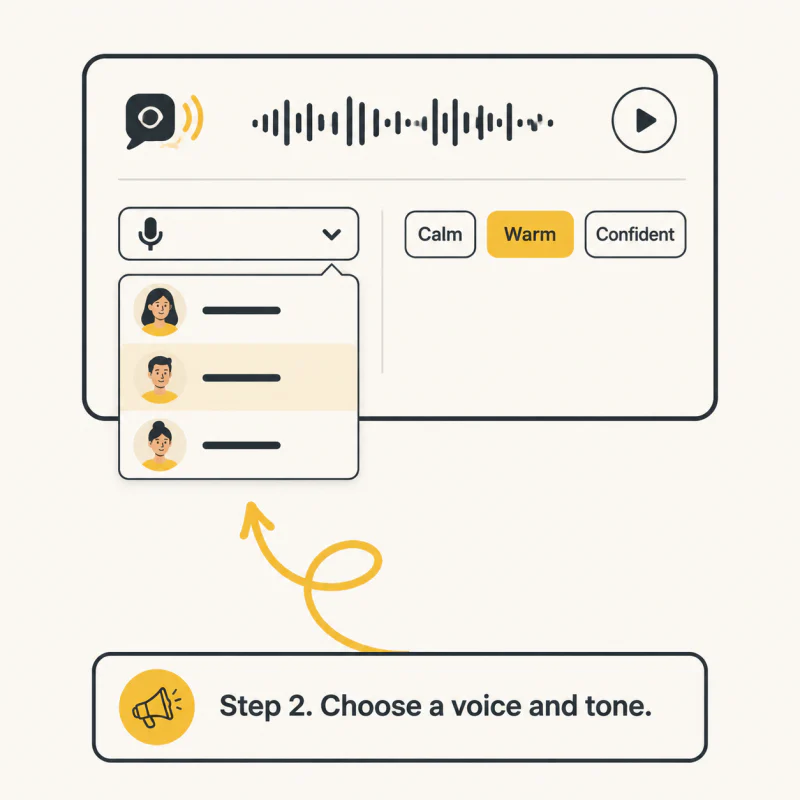
Step 2: Choose a voice and tone
Pick a stock voice or your own cloned voice, then the emotion that fits the script.
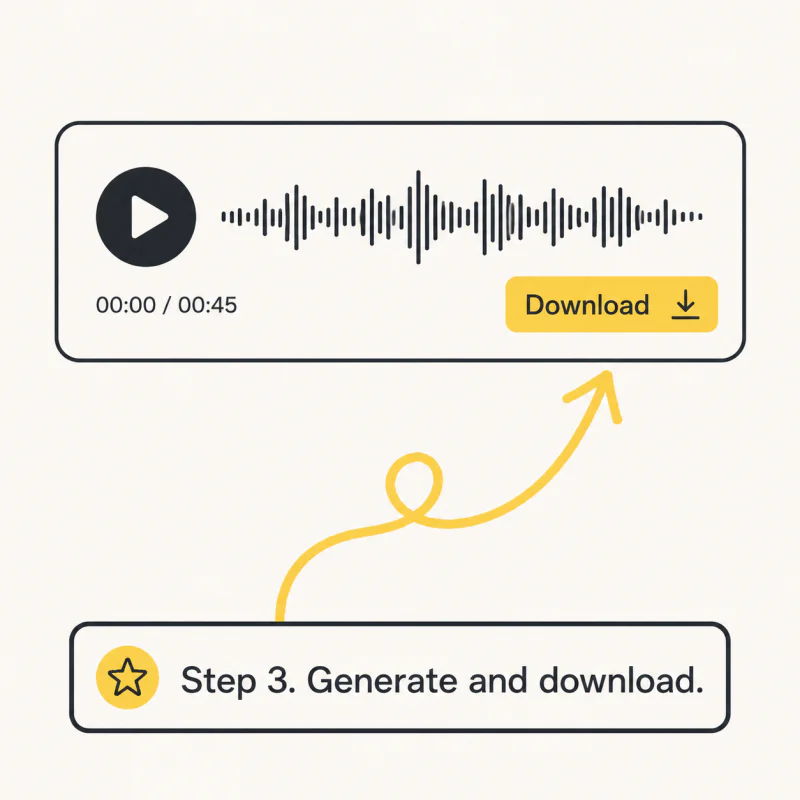
Step 3: Generate & Download
Press Generate, listen, regenerate if you like, then download the MP3.
Text to Speech Use Cases
Voiceovers for Videos, Podcasts, and Creators
Professional voiceovers without a studio. Intros, tutorials, commentary, ads. Consistent quality, zero retakes.
E-Learning, Audiobooks, and Training
Turn lessons and long reads into natural speech in seconds. Courses, audiobooks, lectures, in any language you teach.
Business, Marketing, and Social Media
Voiceovers for ads, explainers and social clips in 45+ languages. Launch faster, localise without a booking.
Ready to Turn Text into Speech?
Paste your text, choose a voice, press Generate. The price is on the button.
What Users Say About Our Text to Speech
“I use it every day for my videos. No more recording take after take or fighting background noise. The voices sound natural and my viewers can't tell. I upload twice as often now.”
“We generate voiceover variations in different tones and languages in minutes. That used to take days and a budget. Clients are impressed every time.”
“I localised my course narration into five languages in an afternoon. The emotion control makes lessons sound engaging, and my students noticed.”
“Daily news podcast, published in minutes instead of hours. The voice is consistent episode to episode, which is exactly what listeners want.”
“Clients need voiceovers in a hurry. I generate clean audio in whatever style they ask for and move on. Fast and simple.”
“Long readings become audio I can study on the go. Switching tones makes dense material easier to follow.”
Frequently Asked Questions
What is text to speech?
Text to speech turns written text into spoken audio. Type or paste a script, choose a voice, and download the result as an audio file.
How much does it cost?
5 credits per 1,000 characters, shown on the generate button before you press it. Credits come with every plan and with credit packs.
Is there a free plan?
No. Cloning your voice and hearing it is free. Generating spends credits, which come with a plan or a pack. Every plan starts with a free trial.
How many languages and voices are available?
45+ languages, with stock voices and your own cloned voices. Your cloned voice speaks every supported language.
Can I adjust the emotional tone or style of the speech?
Yes. Pick an emotion before you generate: calm, happy, serious, excited and more.
Can I use the voiceovers commercially?
Yes, on every paid plan.