 ClooneyVideo Dubbing
AI Video Translator
Upload a video and hear it in another language — by default in the voice of the person already speaking.
History




Why Choose Our AI Video Translator
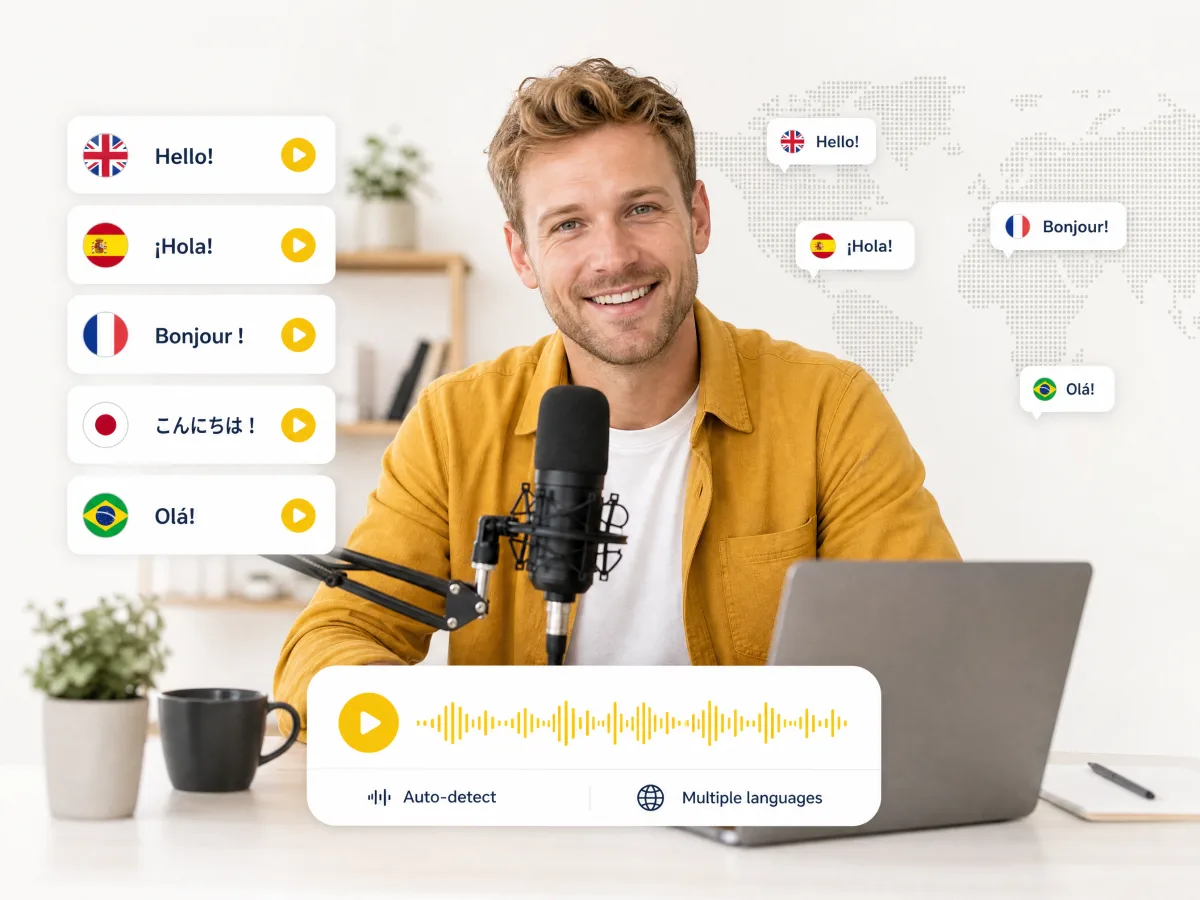
Translate Video to Reach Audiences Worldwide
Upload once and translate into any of 20+ languages with this free AI video translator — put your content in front of viewers who couldn’t understand it before. Idioms, brand names, and industry terms come through correctly, even with accents or background noise.
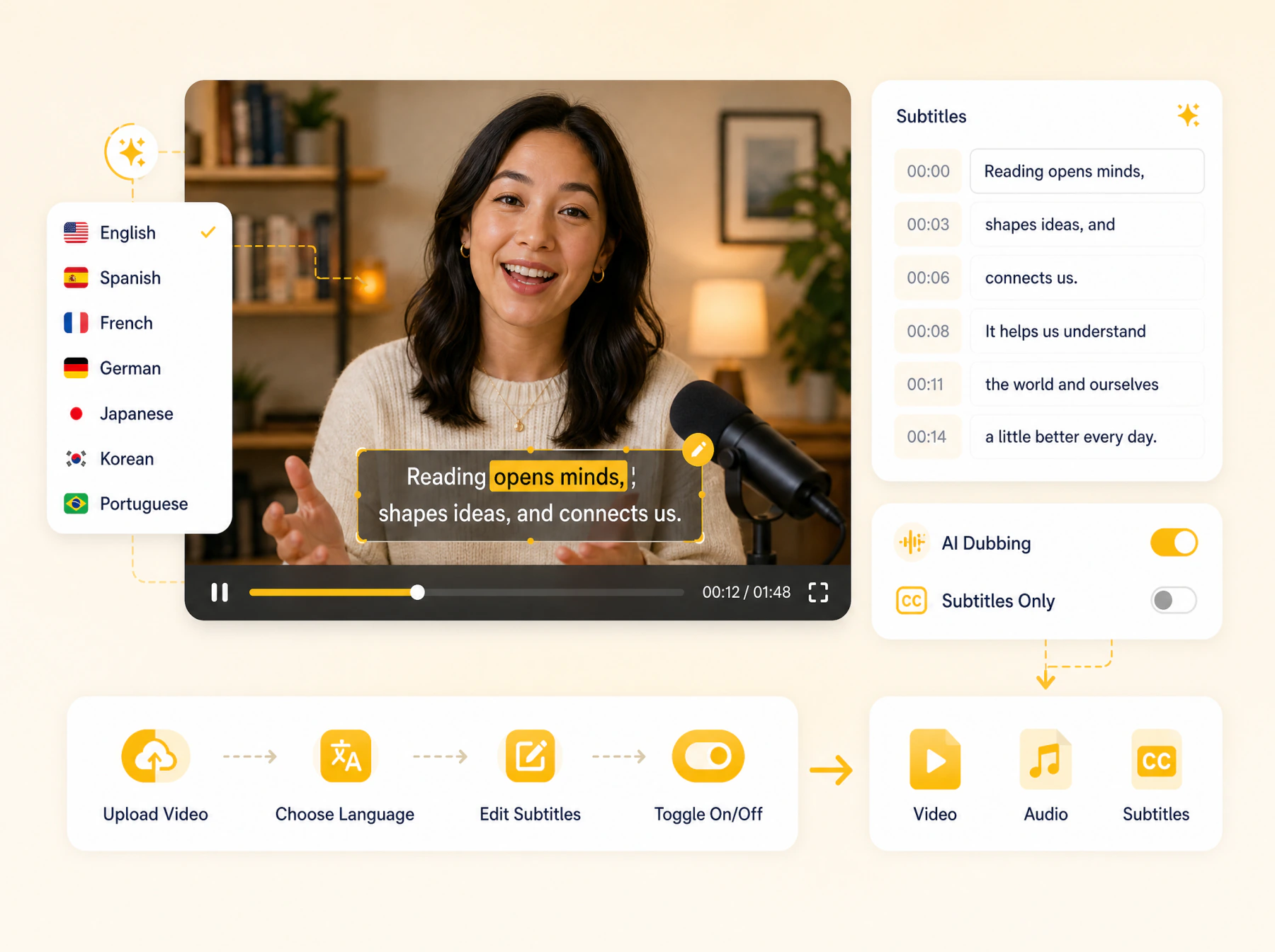
Edit Your Subtitles Before You’re Done
Pick a language and this AI video translation tool sends back translated subtitles for you to review. Edit any line if something’s off. Want spoken translation too? Add AI dubbing — or skip it and keep subtitles only. Turn subtitles on or off, then download the video, audio, and subtitles separately.
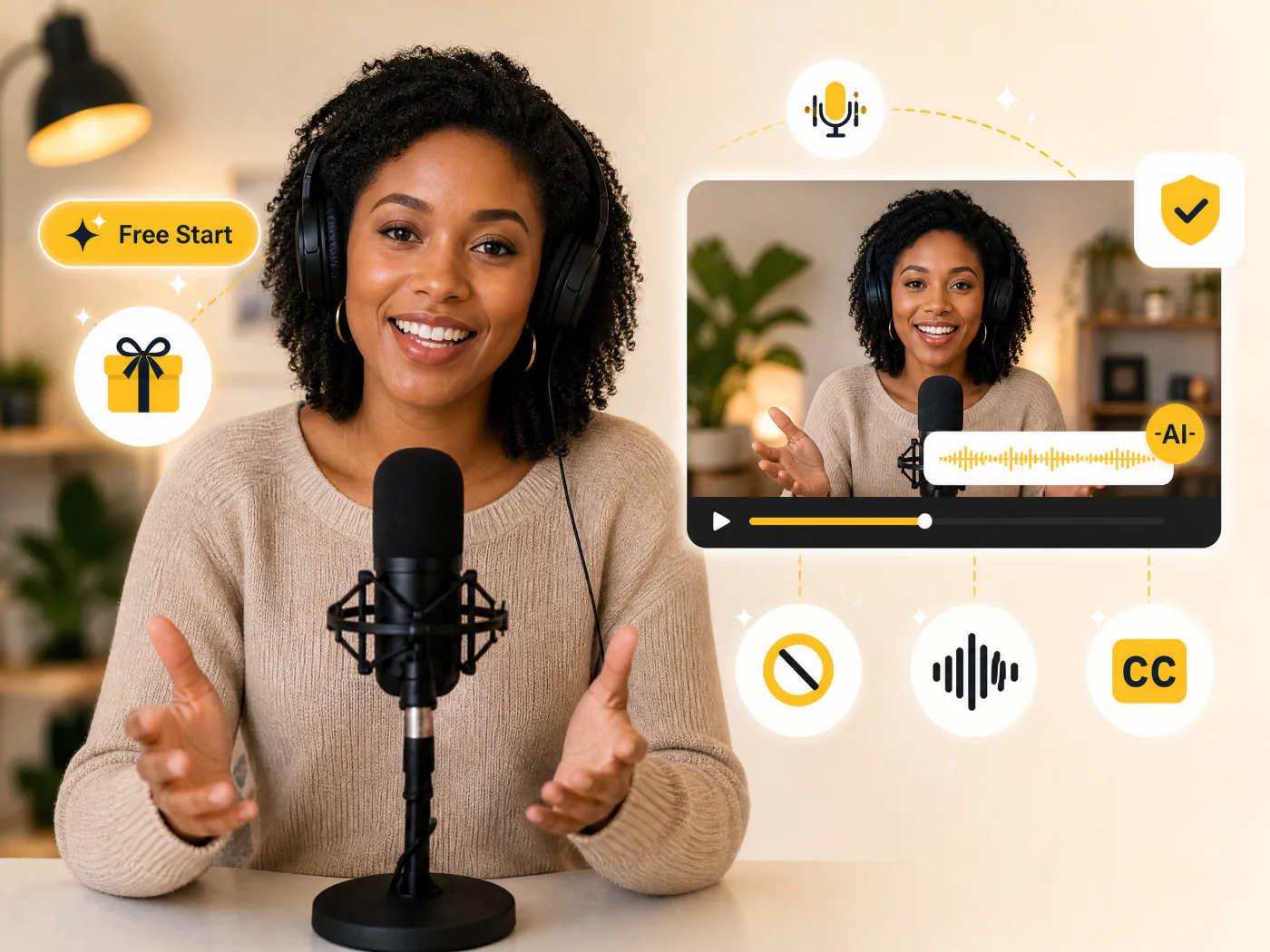
Studio-Quality Results, Free to Start
No sign-up needed. Every account gets free daily credits, so you can try the AI video translator and check the translation quality before you pay for anything. Every export is watermark-free, with studio-quality AI voices and subtitles ready to publish. Paid plans add longer videos, priority processing, and commercial rights.
How to Translate a Video in 3 Steps
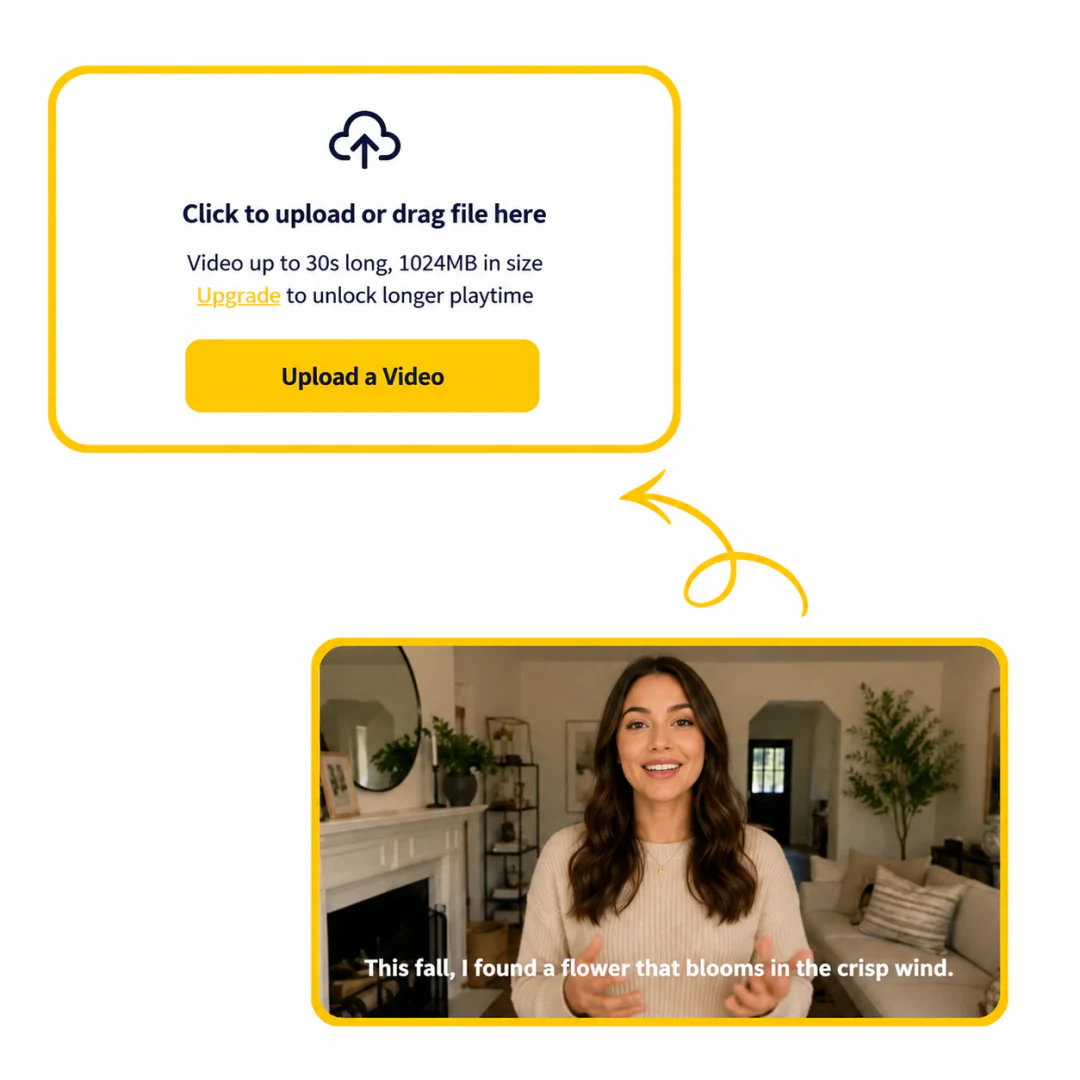
Step 1: Upload Video
Upload the video you want to translate, then select the language you’d like to translate it into.
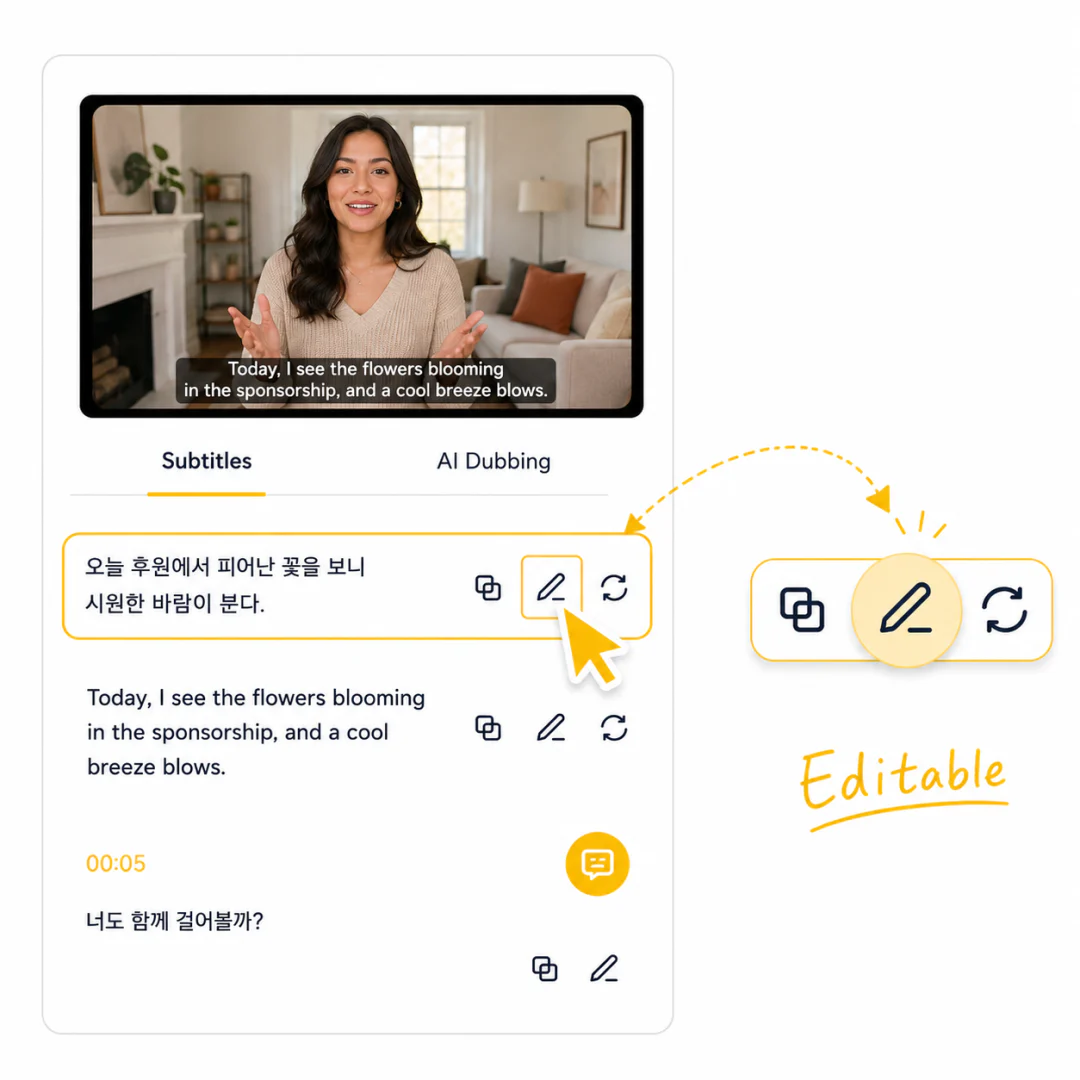
Step 2: Edit Subtitles or Add Dubbing
Review and edit the translated subtitles, choose whether to add AI dubbing, and decide if subtitles should show in the final video.
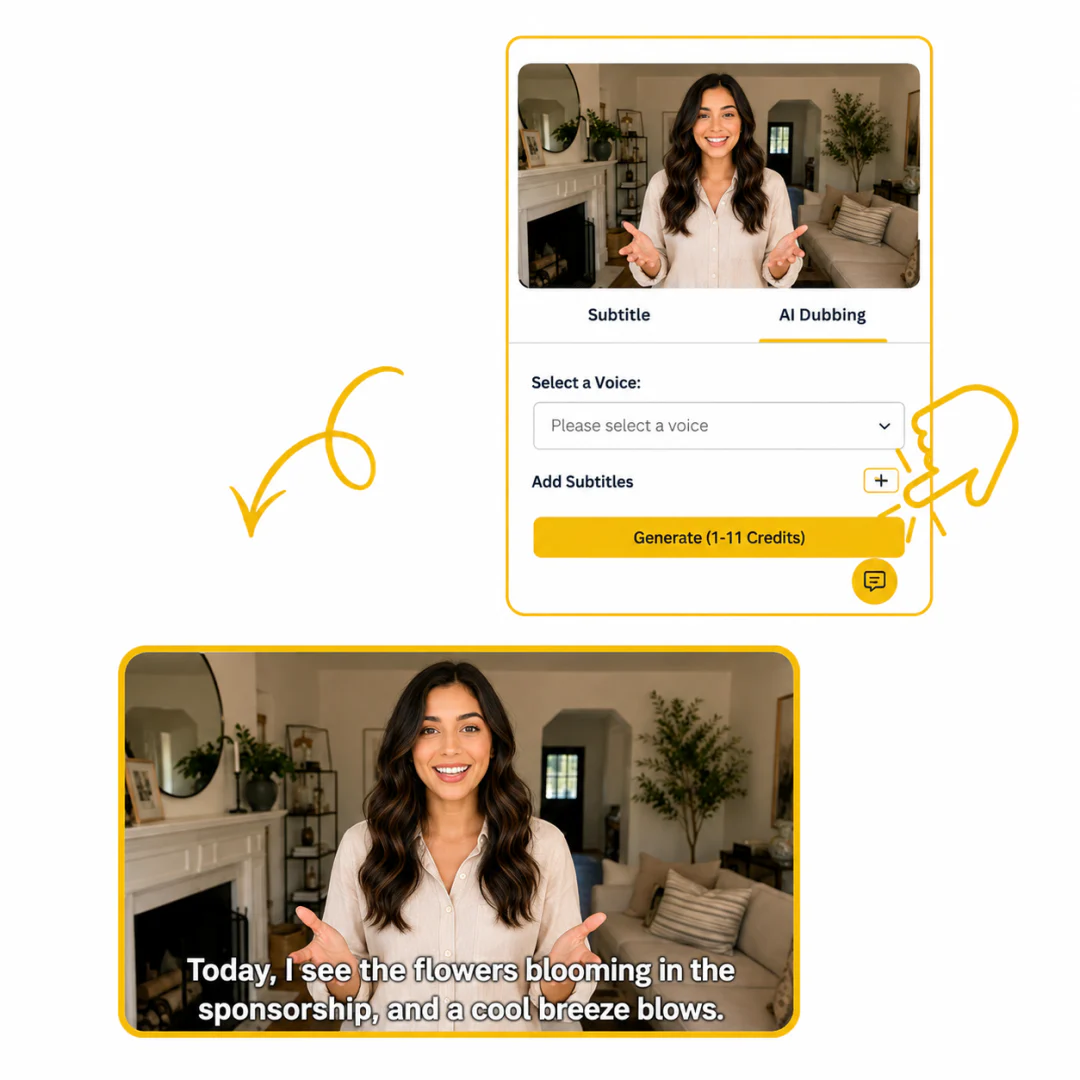
Step 3: Generate and Download
Click generate, then download the video, audio, and subtitles as separate files.
Translate Your Video Free Online
Try the AI video translator with daily credits, no sign-up, watermark-free exports, and studio-quality AI voices.
Use Cases for AI Video Translator
Make Your Social Media Global
Upload your Reels, TikToks, or Shorts and translate them into the languages your audience speaks. Multilingual subtitles help your content reach viewers worldwide, without touching the original video file.
Ship Marketing Videos to New Markets
Forget expensive localization agencies. Upload one product or brand video, select 5-10 languages, and get subtitled or dubbed versions for every region in a single batch — no reshoots, no agency pipeline, same-day delivery.
Make Training Content Accessible Across Teams
Translate onboarding videos, compliance modules, and product walkthroughs into every language your team speaks. Export subtitles for LMS upload, or distribute dubbed versions directly — automatic speaker detection keeps multi-person content organized.
What Users Say about AI Video Translator
 Marcus BellGaming YouTuber
“I dub my playthroughs into English and Portuguese now, and my watch time from Brazil tripled. The captions land in YouTube Studio ready to go — I barely touch them.”
 Lena FischerShopify Store Owner
“Our product demo went out in German, French, and Japanese the same afternoon I uploaded it. No agency, no re-shoot — and the voices actually sound like the original presenter.”
 Ravi MenonLearning & Development Lead
“We push onboarding videos to teams in five countries. One upload gives me dubbed versions plus clean SRTs, and it keeps two speakers straight without me labelling anything.”
 Sofia DuarteOnline Course Creator
“Localizing my courses used to mean weeks with freelance translators. Now I get English and Spanish versions — voice and subtitles — before lunch, and the pacing still feels natural.”
 Tom WhitakerIndie Game Developer
“We ship trailers in six languages for Steam. The subtitle-only export keeps the original audio but adds local captions — exactly the control we wanted, no forced dubbing.”
 Amara OkoyeSocial Media Manager
“I run reels for a handful of brands. I translate one clip into four languages in minutes and the subtitles come back styled and synced — no manual timing at all.”
Discover More Tools in Clooney

AI Video Translation Tool FAQ
What is an AI video translator?
An AI video translator converts spoken video content into another language. It can generate a transcript, translate subtitles, and create localized outputs such as subtitle files, dubbed videos, or both.
Is the AI video translator free to use?
Yes — you get free daily credits to get started without a subscription. Paid plans unlock more minutes and commercial use rights.
How many languages are supported?
20+ languages, including English, Spanish, Chinese, French, German, Portuguese, Korean, Arabic, Hindi, Italian, Russian, Vietnamese, Indonesian, Turkish, Polish, Dutch, Swedish, Thai, and more.
Does this handle videos with multiple speakers?
Yes. The AI detects each speaker automatically and processes them separately — each voice gets its own translated audio track and subtitle line with speaker labels preserved.
What file formats are supported?
Upload MP4, MOV, M4V, or MKV. Output options: SRT subtitle files, dubbed video, or both in one export.
Can I use translated videos commercially?
Yes — paid plans include full commercial rights for translated videos used in ads, client work, and public distribution.
How accurate is the translation?
The AI handles context-aware translation — idioms, product names, and industry terms carry across languages correctly. A built-in editor lets you review and tweak any line before finalizing.