 ClooneySubtitle Tools
AI Subtitle Generator
Upload your video, get accurate subtitles in minutes, then edit the text and fine-tune the timing before you export.
What Is an AI Subtitle Generator
An AI subtitle generator turns the speech in a video into timed captions. Instead of typing and timestamping every line, the transcription and timing are done for you in minutes. You review the text, fix anything that is off, and export the subtitle file you need.
Why Choose Our AI Subtitle Generator
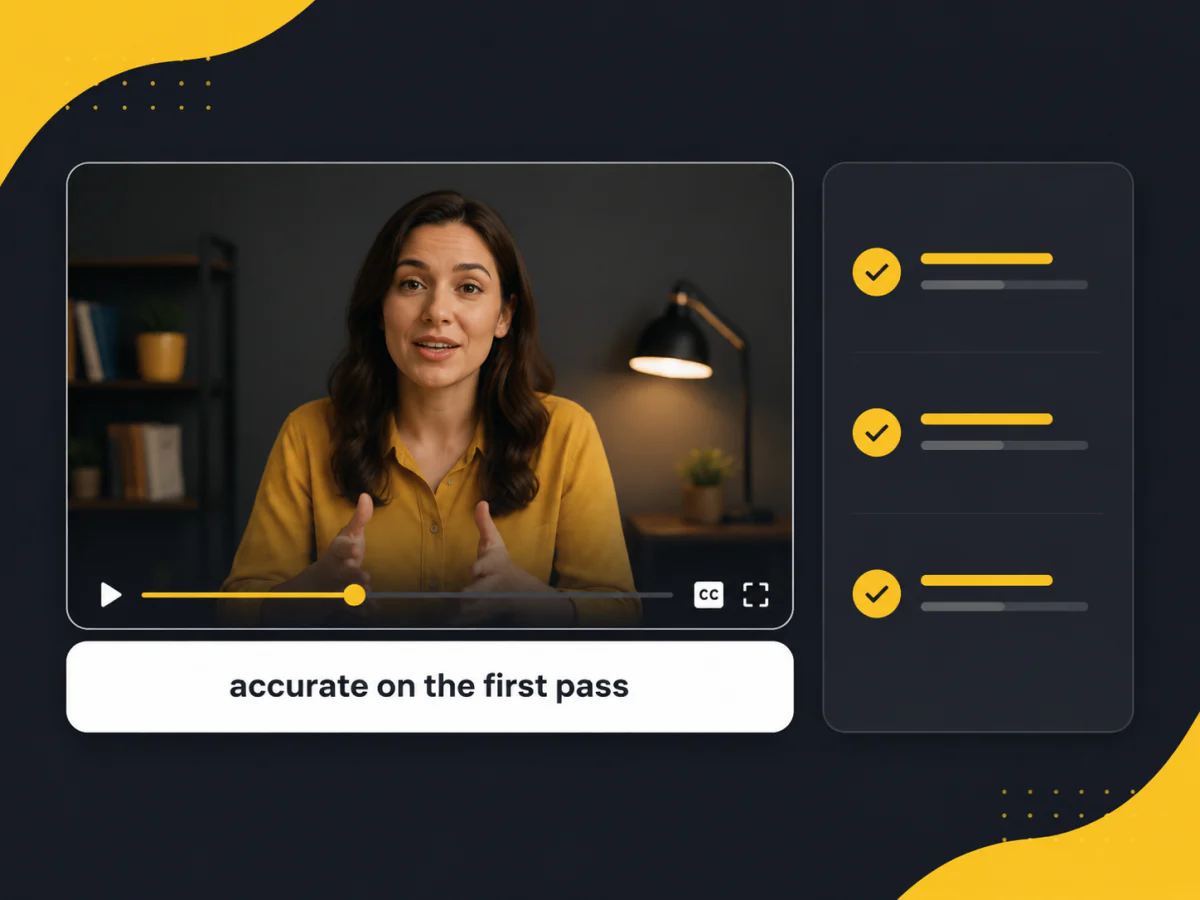
Accurate Subtitles on the First Pass
Clear speech comes back right on most lines, so you are polishing a transcript that is already close, not rewriting a rough draft.
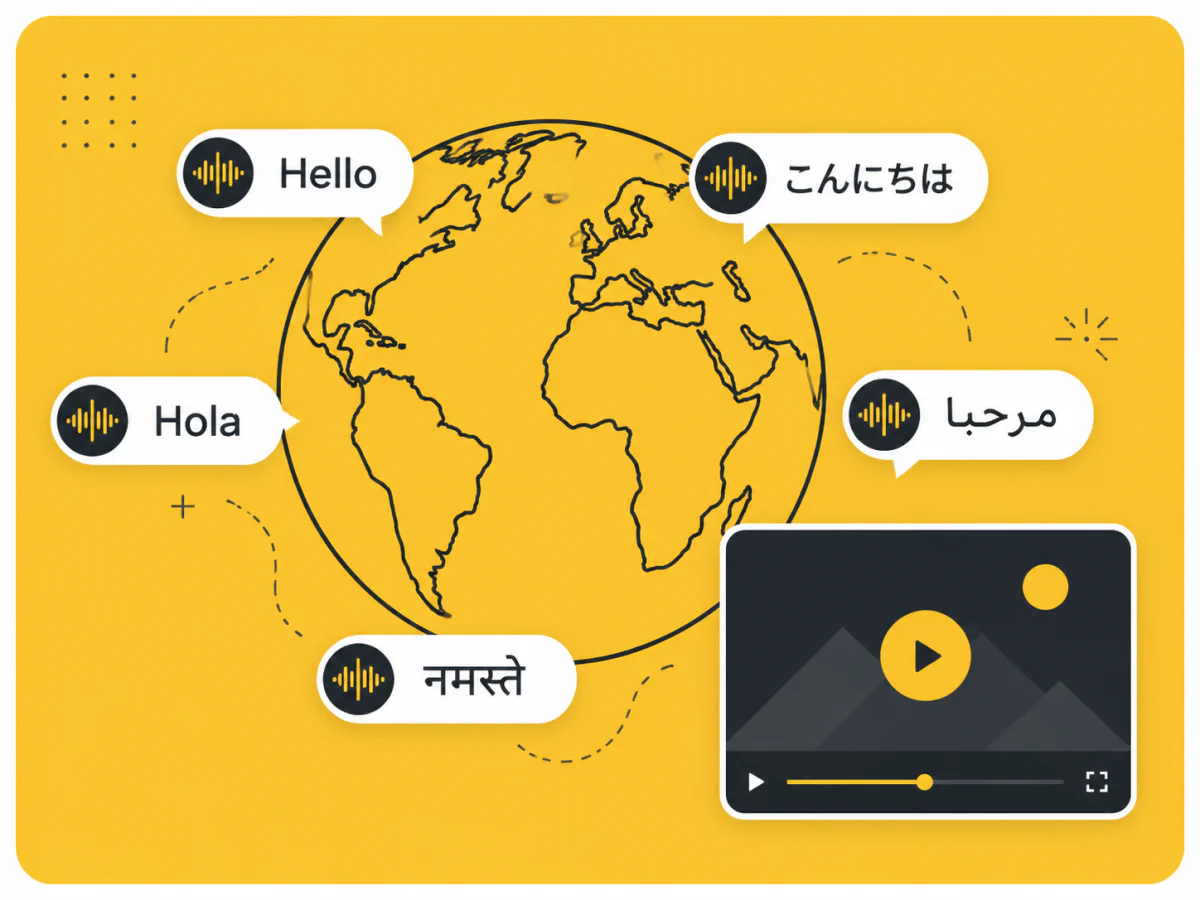
Works in the Languages You Publish
Upload video or audio in any supported language and get timed subtitles back. Subtitle text is readable by search engines, so every language you publish in helps the video get found.
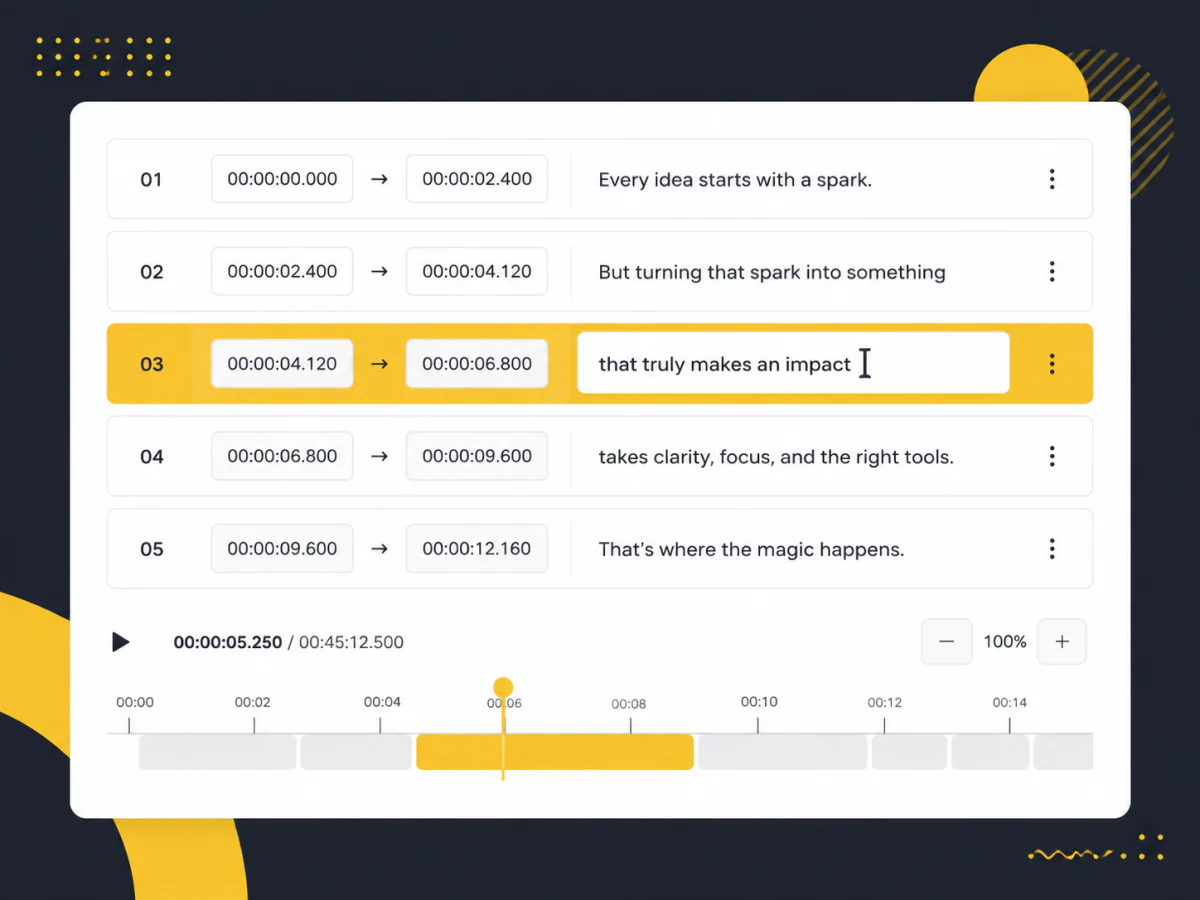
Edit Every Line, Down to the Millisecond
Names, accents and technical terms are where automatic subtitles slip. Every line is editable and every start and end time can be nudged, so you fix exactly what is wrong.
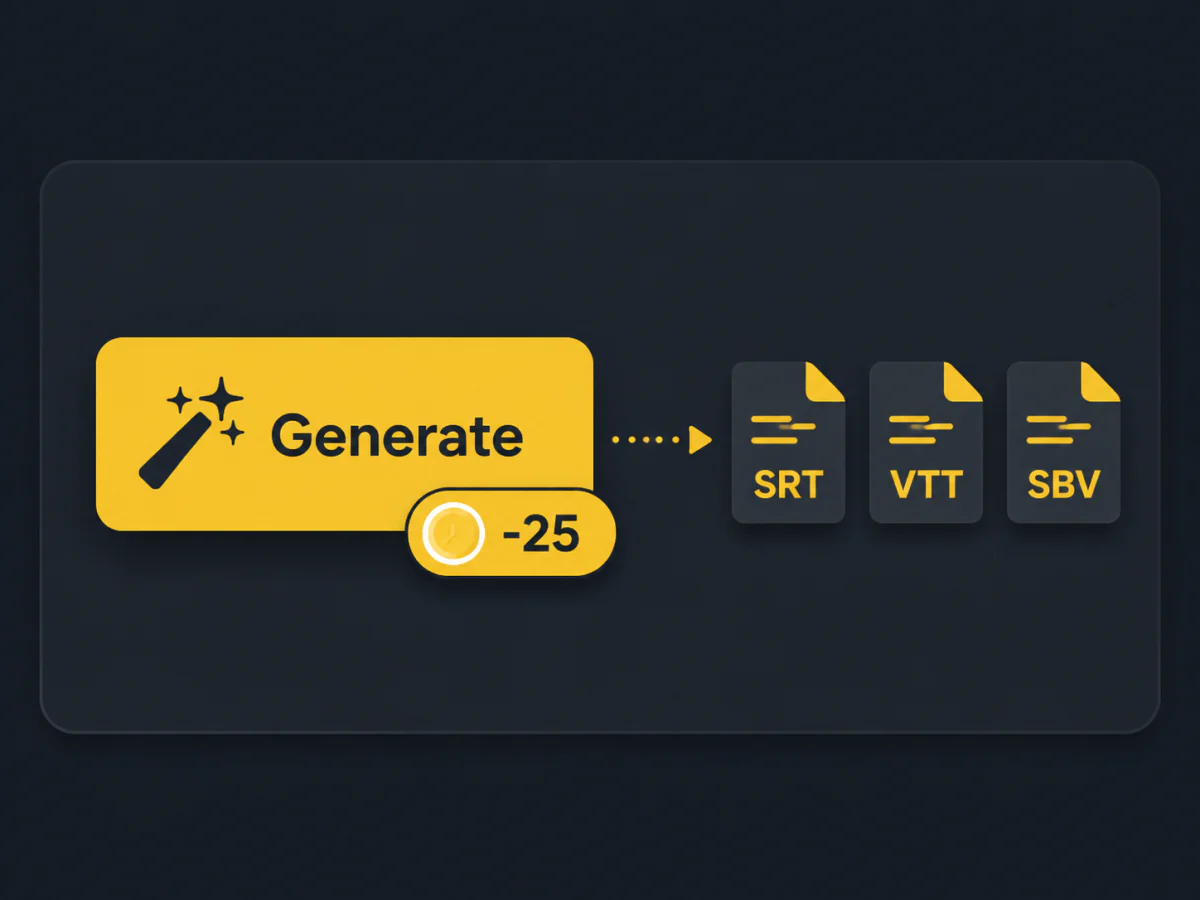
Priced Up Front: 5 Credits a Minute
The price is on the button before you press it, worked out from your file's real length. Export as SRT, VTT or SBV and drop it into any editor or platform.
How to Generate Subtitles with AI
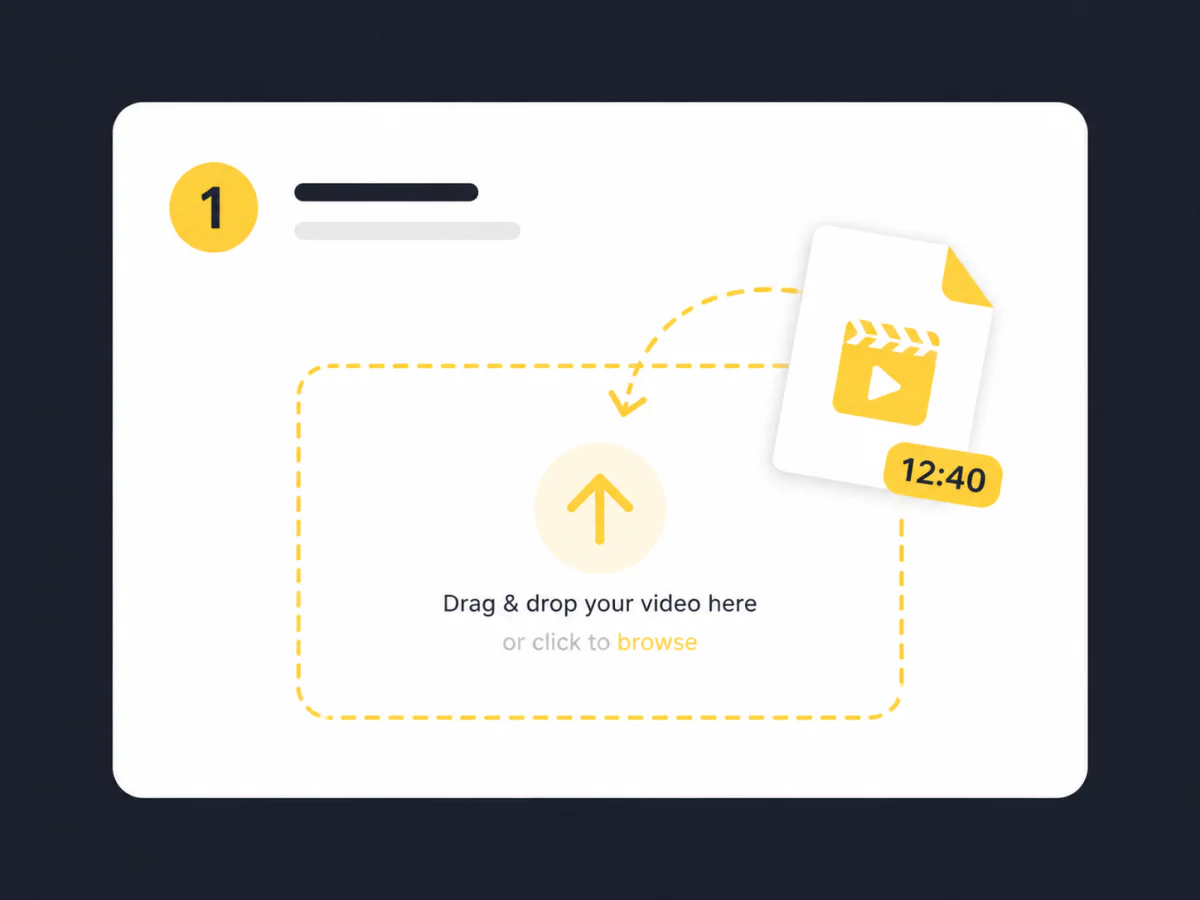
Upload Your Video
MP4, MOV, WebM or an audio file, up to 10 minutes. The length is read and the price shown before you start.
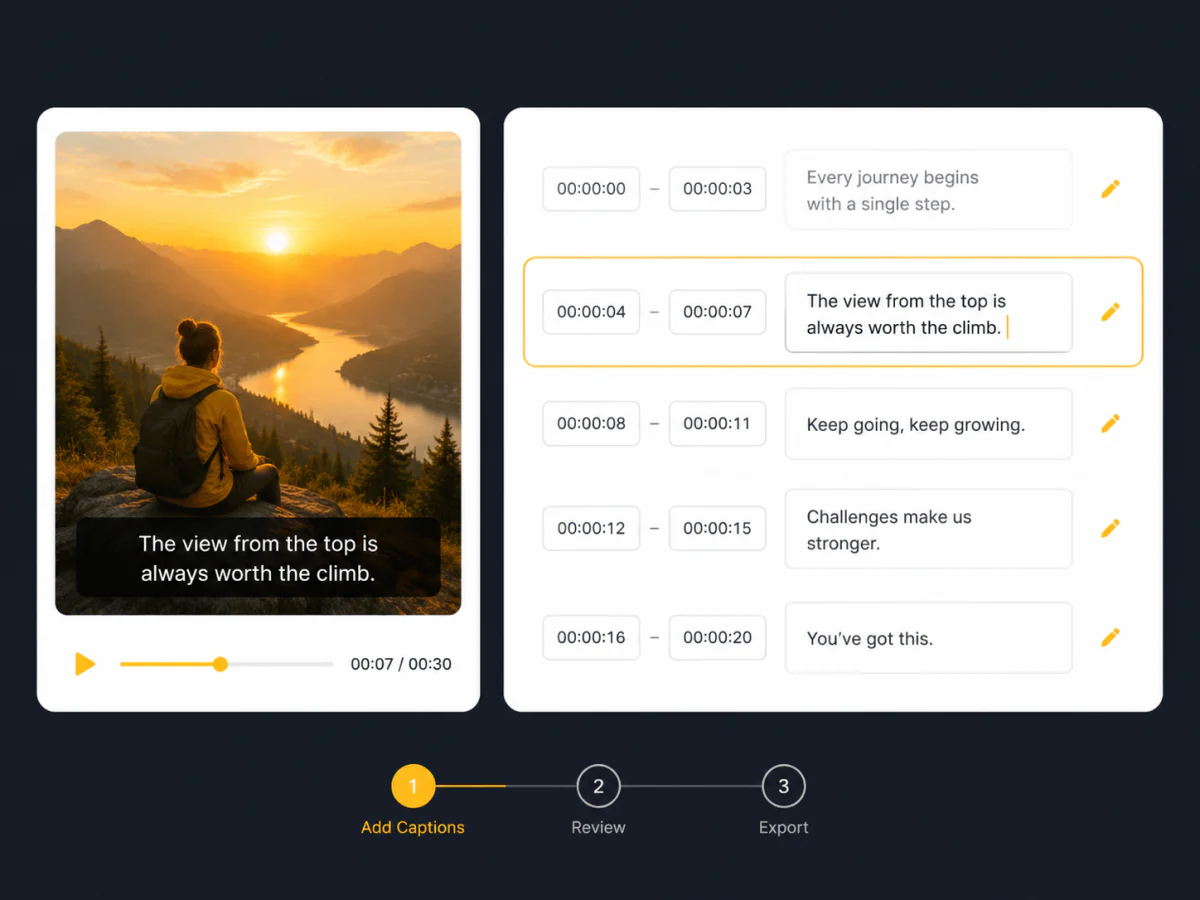
Edit the Text or Timing
Fix any line and adjust its start and end until it matches the video. The preview plays the captions as you edit.
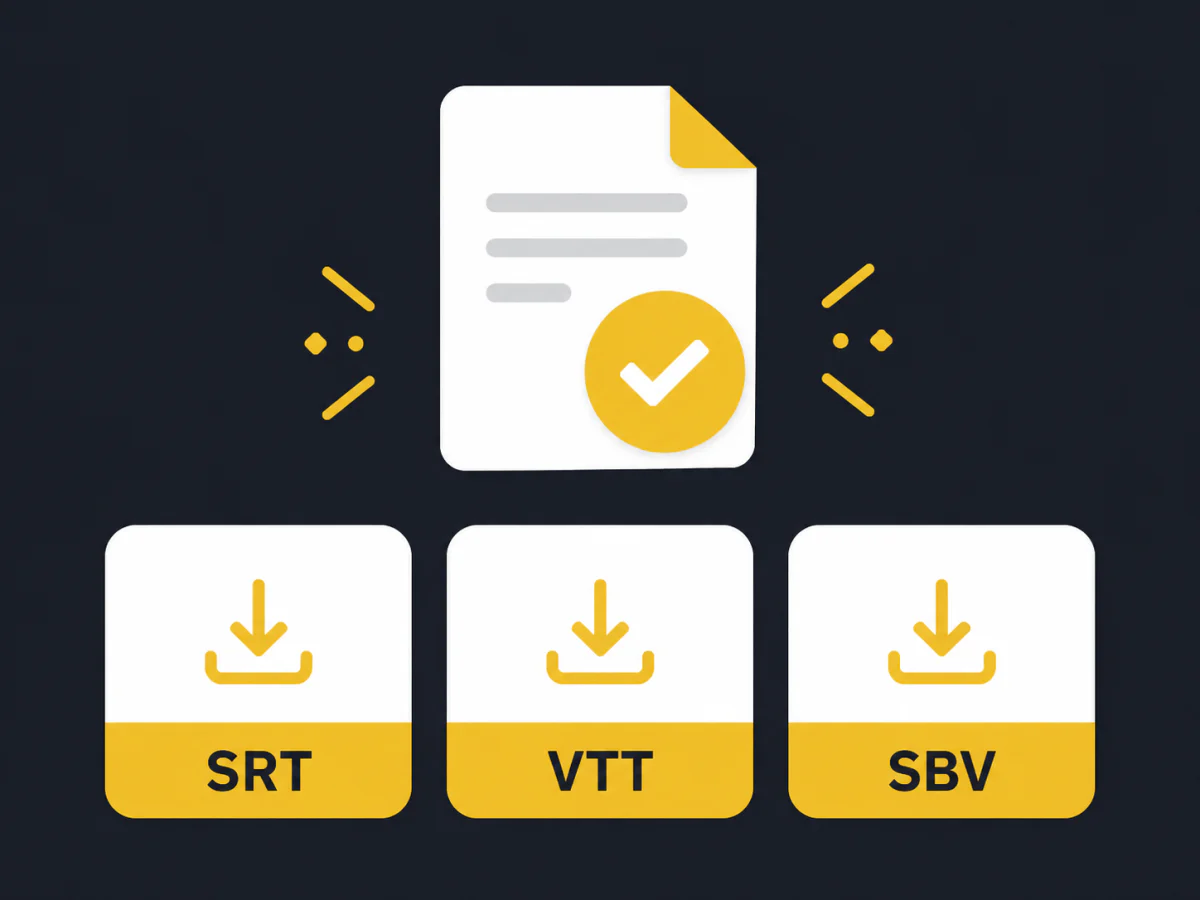
Download Your Subtitles
Export the edited captions as an SRT, VTT or SBV file for your editor, player or platform.
Generate Your Subtitles in Minutes
Upload your video and get accurate, editable subtitles. The price is on the button.
AI Subtitle Generator vs. Manual Subtitles
| AI Subtitle Generator | Manual Subtitles | |
|---|---|---|
| Speed | A few minutes for a typical clip | Four to six times the video's length, often hours |
| Cost | 5 credits per minute of video | $1 to $3 per minute for professional transcription |
| Accuracy on clear speech | High, close to human level on clean audio | Highest, whatever the audio quality |
| Accents, noise, jargon | Lower; may need a manual correction | More reliable for niche or technical content |
| Scale | A hundred videos take about the effort of one | Limited by how many people you can hire |
| Editing | Text and timing editable before export | Built into the human workflow |
What Users Say About Our Creators, Educators, and Teams
“I used to spend an hour typing captions for each video. Now it is a few minutes of tweaking instead of writing everything from scratch.”
“We record every client meeting and need a text version for our files. It caught almost everything; I only fixed a couple of names.”
“Every lecture gets subtitles for accessibility. Editing the timing in the browser saves me a round trip through my editor.”
“Internal training videos get captions the same day. Downloading the file made it easy to plug into our LMS.”
“We publish video clips of the podcast. Captions are handled, so I can focus on the actual content.”
“Most of our ad clips are watched on mute. Subtitles on every export is just part of the workflow now.”
Frequently Asked Questions
How much does it cost?
5 credits per minute of audio, shown on the button before you press it. Editing and exporting cost nothing.
How many languages are supported?
Every language our transcription supports. The spoken language is detected automatically.
What video formats can I upload?
MP4, MOV, WebM and common audio formats, up to 10 minutes per file. No conversion needed.
Can I edit the subtitles after they are generated?
Yes. Edit the text of every line and adjust its start and end time before exporting.
How do I fix timing that is out of sync?
Pick the line that is off and change its start or end time. The preview updates as you type. No need to generate again.
Which files can I export?
SRT, VTT and SBV, straight from the editor.
Is my uploaded video kept private?
Your video is used only to generate the subtitles and is removed on the normal cleanup schedule. It is never reviewed.